Ricky


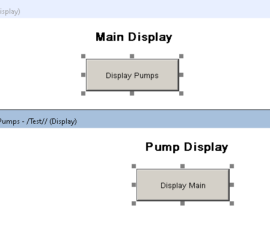
FactoryTalk View SE Navigation

Introduction to FactoryTalk View SE Navigation FactoryTalk View SE Navigation is slightly different than the navigation in FactoryTalk View ME. FactoryTalk View ME will typically use a “Goto Display” button. By Comparison, FactoryTalk View SE will use the display command within a standard command button. By using the standard display Read More »
SLC-500 Messaging

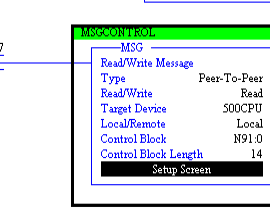
Introduction to SLC-500 Messaging With SLC-500 Messaging, we will transfer the contents of a data file from one processor to another. There are many reasons this might be necessary. For example, if one section of a conveyor shuts down, we might want to tell the upstream conveyor to shut down Read More »


FactoryTalk View to SLC-500 using OPC

Introduction to FactoryTalk View with SLC-500 using OPC In this post, I’ll show you how I connect FactoryTalk View to SLC-500 using OPC in RSLinx. This procedure also works for the PLC-5. In this example, I have a SLC 5/04 running on DH+. It does not matter what your communication Read More »


SLC-500 Clock

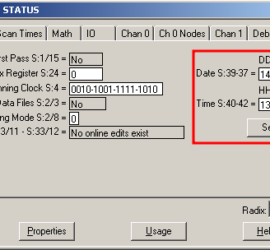
Introduction to the SLC-500 Clock The SLC-500 clock is accessed through the Processor Status file (S2). As a result, we can use these data table addresses for events that occur during a certain time of the day. As an example, you might sound a horn every hour at break time. Read More »


PlantPAx 4 Control Valve

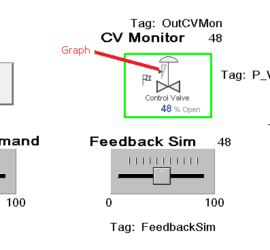
Introduction to PlantPAx 4 Control Valve The PlantPAx 4 control valve object allows us to control the position of a valve, and monitor it’s status. Obviously, we need to send the valve a command, and read the process variable to be sure it is in position. In detail, we’ll walk Read More »


PlantPAx 4 Motor Operated Valve

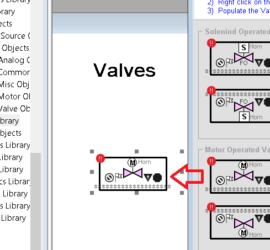
Introduction to PlantPAx 4 Motor Operated Valve The PlantPAx 4 Motor Operated Valve instructions allows us to open or close a valve. Additionally, it provides some diagnostic information about the valve. That is, we will get an alarm if the valve fails to open or shut. Even if we get Read More »


PlantPAx 4 Motors

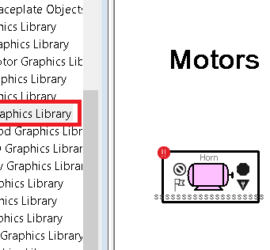
Introduction to PlantPAx 4 Motors The standard process library contains PlantPAx 4 Motors. These motor objects allow us to control and monitor the feedback of all motors in our process. We might also need to add interlocks and permissives in our logic. Another key point is that the HMI will Read More »

motorgraphic

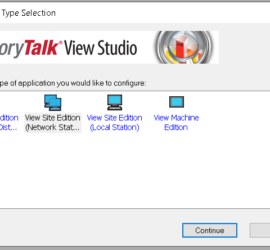
Beginning a FactoryTalk View SE Project

Introduction to beginning a FactoryTalk View SE project. FactoryTalk view is HMI (Human-Machine Interface Software). This software allows you to set up objects on a screen that interact with memory location in the equipment’s processor. The first thing you might notice when beginning a FactoryTalk View SE Project is that Read More »


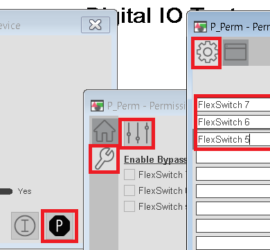
PlantPAx 4 Permissives 2

Introduction to PlantPAx 4 Permissives In general, a permissive is a condition which must be met before something else happens, such as turning on an output. An example of a permissive would be a pump that can only start if there is no pressure on a line. In this case, Read More »


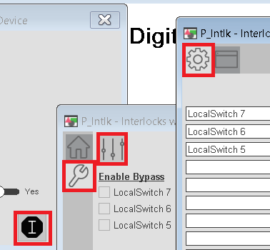
PlantPAx 4 Interlocks 3

Introduction to PlantPAx 4 Interlocks With PlantPAx 4 Interlocks, if any condition changes on our equipment, we might shut off an output. For example, if a lube pump shuts off, you might shut off an output for a motor. We might also interlock valves, so we cannot energize the open Read More »