Ricky


Kenbak-1 Overflow and Carry Registers

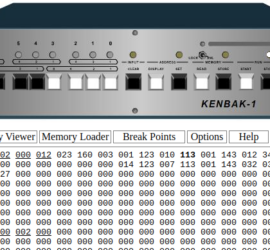
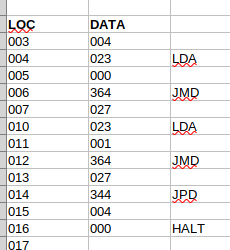
Introduction to Kenbak-1 Overflow and Carry Registers Kenbak-1 Overflow and Carry Registers will tell us when a math instructions results in a value that is out of range. In this post, we’ll discuss all values in OCTAL. Keep in mind the Kenbak-1 always thinks in BINARY. At the same time, Read More »
Kenbak-1 overflow and carry

Kenbak-1 Jump and Mark (JMD)

Introduction to the Kenbak-1 Jump and Mark (JMD) Instruction The Kenbak-1 Jump and Mark (JMD) allows us to create “Subroutines” that we can use over and over again. Generally, we can use this for delay loops, common math conversions, or anything else we need to do more than once in Read More »

Kenbak-1 JPD Instruction

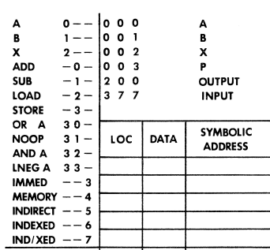
Kenbak-1 Basic Commands (OPCODES)

Introduction to Kenbak-1 Basic Commands (OPCODES) Kenbak-1 Basic Commands (OPCODES) allow us to program the Kenbak-1 using “Machine Codes”. The Kenbak-1 is considered to be the very first Personal Computer from 1971! Basically, we’ll only cover the most common commands in this post. In another post, we’ll get into some Read More »

Kenbak-1 Programming Reference TOP

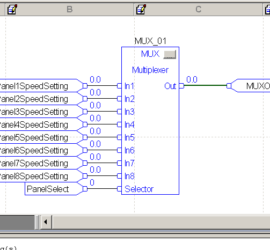
ControlLogix Multiplexer (MUX)

Introduction to the ControlLogix Multiplexer (MUX) With the ControlLogix Multiplexer (MUX), we can select one of 8 inputs. Generally, these inputs will have the REAL Data Type. Basically, the SELECTOR input chooses which of these 8 inputs to use. There are several uses for the ControlLogix Multiplexer (MUX). One use Read More »

Multiplexer (MUX)

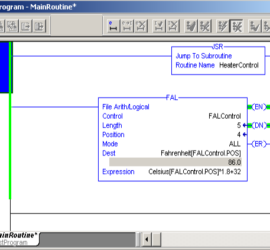
ControlLogix File Arithmetic Logic

Introduction to ControlLogix File Arithmetic Logic (FAL) ControlLogix File Arithmetic Logic (FAL) allows us to perform math on an array of elements. For example, I have an array of elements that are in Celsius. We want to convert this entire array to Fahrenheit. We don’t need to perform the calculation Read More »

File Arithmetic Logic

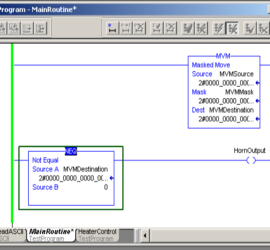
ControlLogix Masked Move (MVM)

Introduction to the ControlLogix Masked Move (MVM) The ControlLogix Masked Move (MVM) allows us to move data from one word to another. We do this through a mask. In other words, we can filter out some of the bits, so they do not change the destination. One example for the Read More »

MVM Masked Move

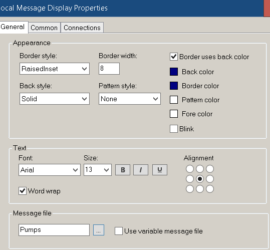
FactoryTalk View Local Messages

Introduction to FactoryTalk View Local Messages FactoryTalk View Local Messages appear only on the display they reside on. These are different from Information Messages. Information messages is a service that runs in the background. They will pop up regardless of which display the operator is looking at (similar to alarms). Read More »

FactoryTalk Local messages

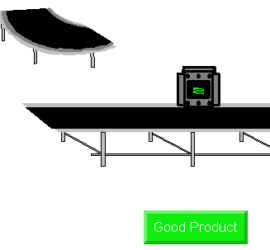
FactoryTalk View Position Animations

Introduction to FactoryTalk View Position Animations FactoryTalk View Position Animations allow you to change the position of objects on your display. Basically, we can change the vertical position, horizontal position, or even combine these animations. For example, we’ll consider a conveyor system. The conveyor system has a diverter. You can Read More »

FactoryTalk View Position Animation

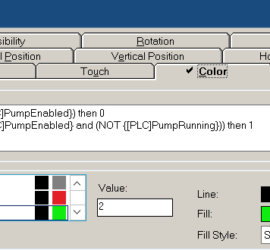
Three State Color Animation

Introduction to FactoryTalk View Three State Color Animation In this section, we’ll set up a FactoryTalk View Three State Color Animation. For example, we’ll consider a pump. We can enable or disable the pump. If the pump is disabled, we want the color to be grey. When the pump is Read More »

Three State Color Animation

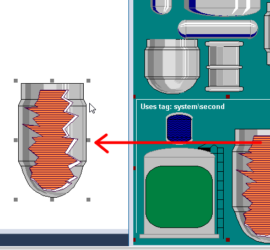
FactoryTalk View Fill Animation

Introduction to FactoryTalk View Fill Animation The FactoryTalk View Fill Animation allows you to change the fill level on an object. You might think of this as being similar to a bar graph. Also, you might use the fill animation as a progress bar. The fill animation can show us Read More »

FactoryTalk View Fill Animation