Ricky


Optocouplers and Optoisolators

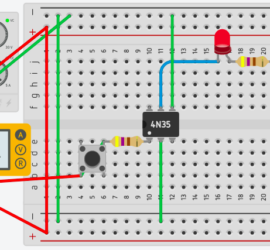
Introduction to Optocouplers and Optoisolators Basically, we use optocouplers and optoisolators to minimize interference in our control circuit. We separate the load side of the circuit from the control side. In other words, we don’t need to worry about noise from the load interfering with the control circuit. Additionally, this Read More »
Control Circuit

74HC595 Shift Register

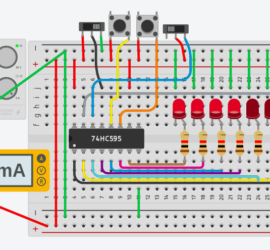
Introduction to the 74HC595 Shift Register The 74HC595 Shift Register allows you to control field devices based on serial input data. Although we typically use the 74HC595 Shift Register with a microcontroller, we will not do that in this post. The purpose of this post is to simply understand the Read More »

Shift Register

Arduino Bar Graph Example

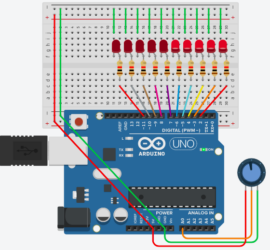
Introduction to the Arduino Bar Graph Example You will usually find the Arduino Bar Graph Example on a default install of the Arduino IDE. Basically, the bar graph shows a graphic indication of an analog level. For instance, you might display a tank level, pressure, or motor speed. In essence, Read More »

Arduino Bar Graph

4017 Decade Counter

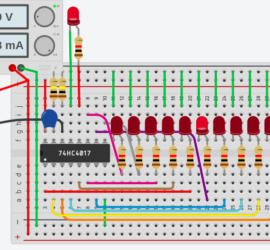
Introduction to the 4017 Decade Counter We use the 4017 Decade Counter to count transitions. More specifically, we count false to true transitions. The 4017 Decade Counter has 10 outputs (0 to 9) in addition to the carry output. The 4017 outputs do not count in binary. It simply turns Read More »

Decade Counter

Can’t Download to Faulted Controller

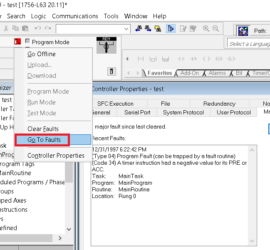
Introduction: “Can’t Download to Faulted Controller” If you get the error “Can’t Download to Faulted Controller”, we need to clear the fault before downloading. First of all, be sure you want to download to the processor. When you download, the existing logic is replaced by the logic in your offline Read More »

Go to faults

ControlLogix Communication Path Needed

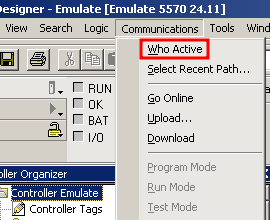
Introduction to ControlLogix Communication Path Needed Error In this section, we’ll resolve the ControlLogix Communication Path Needed error in Studio / RSLogix 5000. Eventually, we all get this error at some point. The error is 701-8004280D. I will show you the method I use to resolve this error. The reason Read More »

RSWho

Arduino Button Input Example

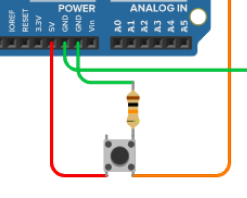
Introduction to the Arduino Button Input Example In this section, we’ll discuss the Arduino Button Input Example that comes with the Arduino IDE. Basically, we’ll connect a button to pin 2, and simply have this button energize a light. Presently, you will find this example under File | Examples | Read More »

Arduino button

Arduino Analog Output

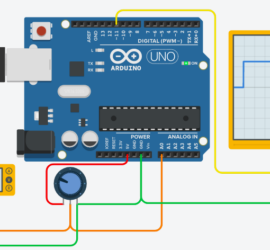
Introduction to the Arduino Analog Output In this section, we’ll set up an Arduino Analog Output. Analog signals are variable. In contrast, digital (discrete) signals are on or off. On the UNO, pins 3, 5, 6, 9, 10, and 11 support Analog Output. I’ve set this example up on TinkerCad. Read More »

Arduino Analog Output 75%

Arduino Analog Input

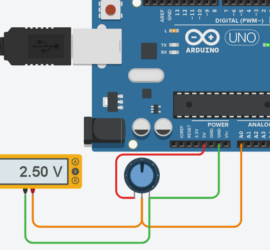
Introduction to Arduino Analog Input In this post, we’ll walk through the example for the Arduino Analog Input. You will find this example under File | Examples | Analog. In this case, I’ll be using the Arduino UNO for this simulation. However, the example will work with many of the Read More »

Arduino Analog

Arduino Blink Without Delay

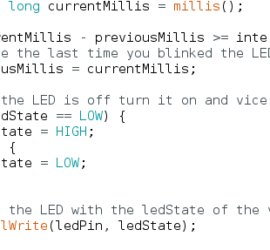
Introduction to Arduino Blink Without Delay The Arduino Blink Without Delay example allows you to blink a light without using the delay() function in the Arduino IDE. In short, this means you are not stopping the logic from scanning. This, you can execute other instructions while the light is waiting Read More »

arduino logic