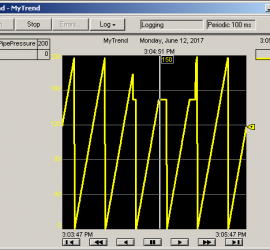
Ricky


FactoryTalk View Numeric Display 8

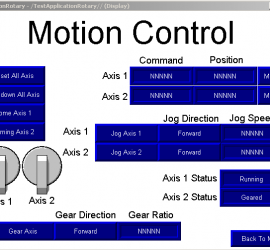
Introduction to FactoryTalk View Numeric Display In this document, we will discuss how to add and configure the FactoryTalk View Numeric Display.  The purpose of the Numeric Display object is to display decimal numbers that are stored in the processor’s memory.    This could be the speed of a drive, temperatures, or Read More »
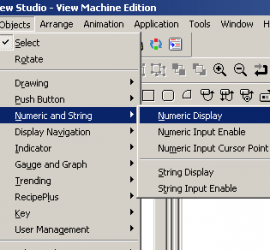
Select Numeric Display

FactoryTalk View Ellipse Animation 1

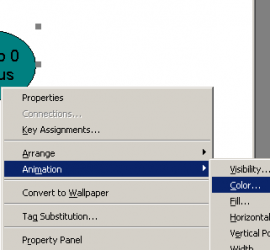
Introduction to the FactoryTalk View Ellipse Animation In this document we will walk through the procedure of setting up the FactoryTalk View Ellipse Animation to simulate an indicator light.   When a pump is running, the ellipse object will be green, and when the pump is shut off, the ellipse object will Read More »


FactoryTalk View Push Button Object 5

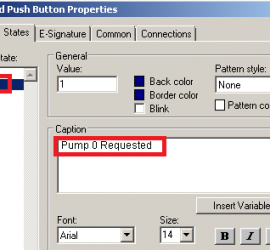
Introduction to the FactoryTalk View Push Button Object The FactoryTalk View Push Button Object is very simple to add to your project.   Using push buttons on a FactoryTalk View display saves time and money.   Think about the cost of a physical button on a panel.   Each button alone can Read More »

Pump 0 Requested

FactoryTalk View ME Navigation 2

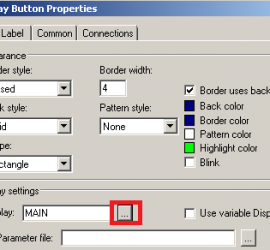
Introduction to FactoryTalk View ME Navigation You’ve seen pictures of the old control centers with many panels that contained various gauges, push buttons, and other indicators.    In modern times, most of those devices can simply be placed on display screens.   The operator needs to be able to quickly Read More »

General Display

Creating a FactoryTalk View Project 7

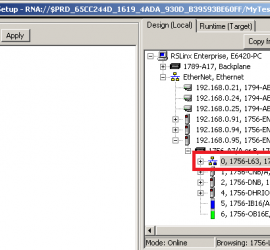
Introduction to Creating a FactoryTalk View ME Project When creating a FactoryTalk View project, there is some information we will first need to gather.  You will need to know the model of your PanelView Plus terminal (such as Panelview 700).   We also need to know the IP address of Read More »

AssociatePath

FactoryTalk View ME Overview

Introduction to FactoryTalk View ME FactoryTalk View ME (Machine Edition) is MMI (Man-Machine Interface) software.   Others might refer to this as HMI (Human-Machine Interface) software.    The purpose of FactoryTalk view is to allow the operator to view or input data from the processor that is controlling your equipment. Read More »

FactoryTalk Overiew

Binary Numbering System 3

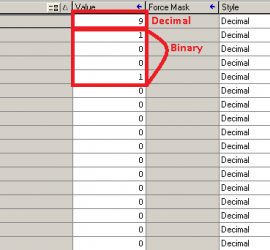
Introduction to the Binary Numbering System Simply put, the Binary Numbering System is a base 2 numbering system.    The only numbers available for use to count in binary are 1, and 0.   You can think of this in many ways:  True/False, Yes/No, or High/Low.    Computers work by Read More »

Binary Conversion

Proportional, Integral, Derivative (PID)

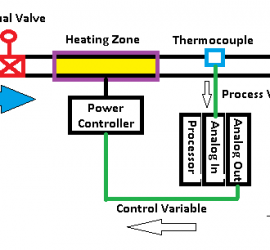
Introduction to Proportional, Integral, and Derivative (PID) Proportional, Integral, and Derivative (PID) is a 3-step formula to bring a process to a setpoint, and attempt to hold it there.   The example we will use is a heating process.   We will bring fluid in a pipe up to a Read More »

PID Overview

ControlLogix Function Blocks

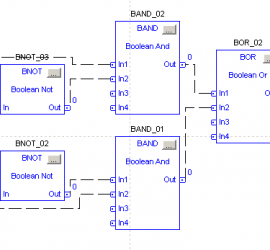
Introduction to ControlLogix Function blocks ControlLogix Function Blocks show the flow of information graphically.  Analog programming is very easy to follow using this method.   Discrete (on/off) logic can also be used in Function Block programming.    When you create a new routine, you can declare it as a function Read More »

FBD Together

ControlLogix Trending 5

Introduction to ControlLogix Trending ControlLogix Trending will track values over time.   Most commonly, you will use trending on analog values, but it can be used to track digital (discrete on/off) signals as well.  Think of trending as a “software chart recorder”. In this example, we will use trending to Read More »

Pressure failure