Ricky


Cascading PID with PlantPAx

Introduction to Cascading PID with PlantPAx In this section, we’ll cover Cascading PID with PlantPAx. We’ll do this by simulating a level in a tank. The tank controller will change the setpoint of a flow controller. The goal is to maintain a constant tank level. It’s important to realize that Read More »
Cascading PID

Tuning PlantPAx P_PIDE with Simulator

Introduction to Tuning PlantPAx P_PIDE with Simulator Before Tuning PlantPAx P_PIDE, please reset your simulator. This way, we’ll get back to a known configuration. To reset the simulator, use your test button until you get to the reset option. Then press Up then TEST again. In the last sections, we’ve Read More »

PID Settings

Configuring PlantPAx Objects for PID

Introduction to Configuring PlantPAx Objects for PID In this section we’ll be Configuring PlantPAx Objects for PID. In the previous sections, we imported our faceplates. Additionally, we set up our function blocks for PID. Finally, we assocated the faceplates with the function blocks. At this point, we are ready to Read More »

faceplate

Associating PlantPAx Objects for PID

Introduction to Associating PlantPAx Objects for PID When Associating PlantPAx Objects for PID, we simply point our HMI objects to a tag in the processor. Recall that in previous sections, we set up our display screens. We also wrote our logic in function blocks. At this point, we are ready Read More »

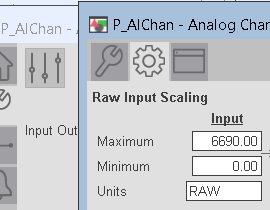
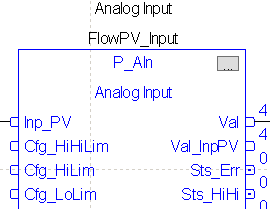
Analog Input

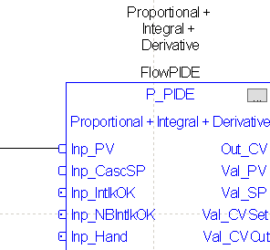
Function Blocks for PlantPAx PID

Introduction to Function Blocks for PlantPAx PID In this section, we’ll add our Function Blocks for PlantPAx PID. In our previous sections, we imported the add-on instructions. At this point, we are ready to set up our function block logic. If you have not already done so, created a periodic Read More »

PID Instruction

Adding PlantPAx Objects for PID

Introduction to Adding PlantPAx Objects for PID In this section, we’ll be Adding PlantPAx Objects for PID. Specifically, we’ll use the P_PIDE instruction. In the last section, we imported objects that we need to get our PID working. Now we’re ready to add those objects to our display. We created Read More »

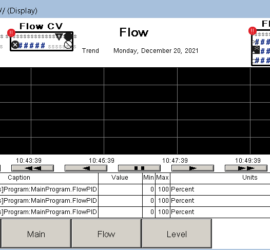
Flow Screen

Preparing PlantPAx for PID

Introduction to Preparing PlantPAx for PID In this section, we’ll be Preparing PlantPAx for PID. We’ll assume you already have a running PlantPAx project. If not, you’ll have to install PlantPAx using the PlantPAx process library. Be sure your HMI Images, macros, tags, and global objects are imported. You should Read More »

Plantpax displays

PID Zero-Crossing Deadband

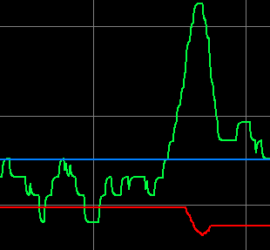
Introduction to PID Zero-Crossing Deadband PID Zero-Crossing Deadband is a method to prevent too much action on the control variable. Particularly, if your process variable is noisy. Too much action on a field device will cause premature wear. This requires extra maintenance, and possibly more downtime. The disadvantage to deadband Read More »

Zero Crossing Deadband

PID with Ziegler-Nichols Method

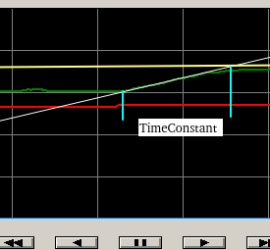
Introduction to PID tuning with Ziegler-Nichols method (rule based variation) In this section, we’ll tune a PID with the Ziegler-Nichols Method. This will be a rule based variation. Previously, we discussed a trial and error based method. Recall that we increased Kc until the loop was unstable. At this point, Read More »

time constant

PID Feed Forward

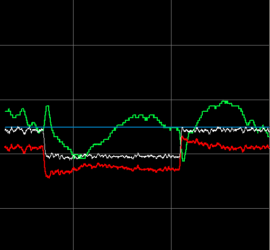
Introduction to PID Feed Forward PID Feed Forward allows you to immediately compensate for a change before Proportional, and Integral have a chance to act. It does this by BIASing the control variable. For example, consider a tank where we need to maintain a constant level. As soon as we Read More »